
Nobody should have to guess how it works.
Tutorials.app turns your spaces, equipment and procedures into branded mobile tutorials. One QR code, and the right instructions are already waiting — step by step, on the phone already in their hand.
POS System Basics
Clock in and open the register
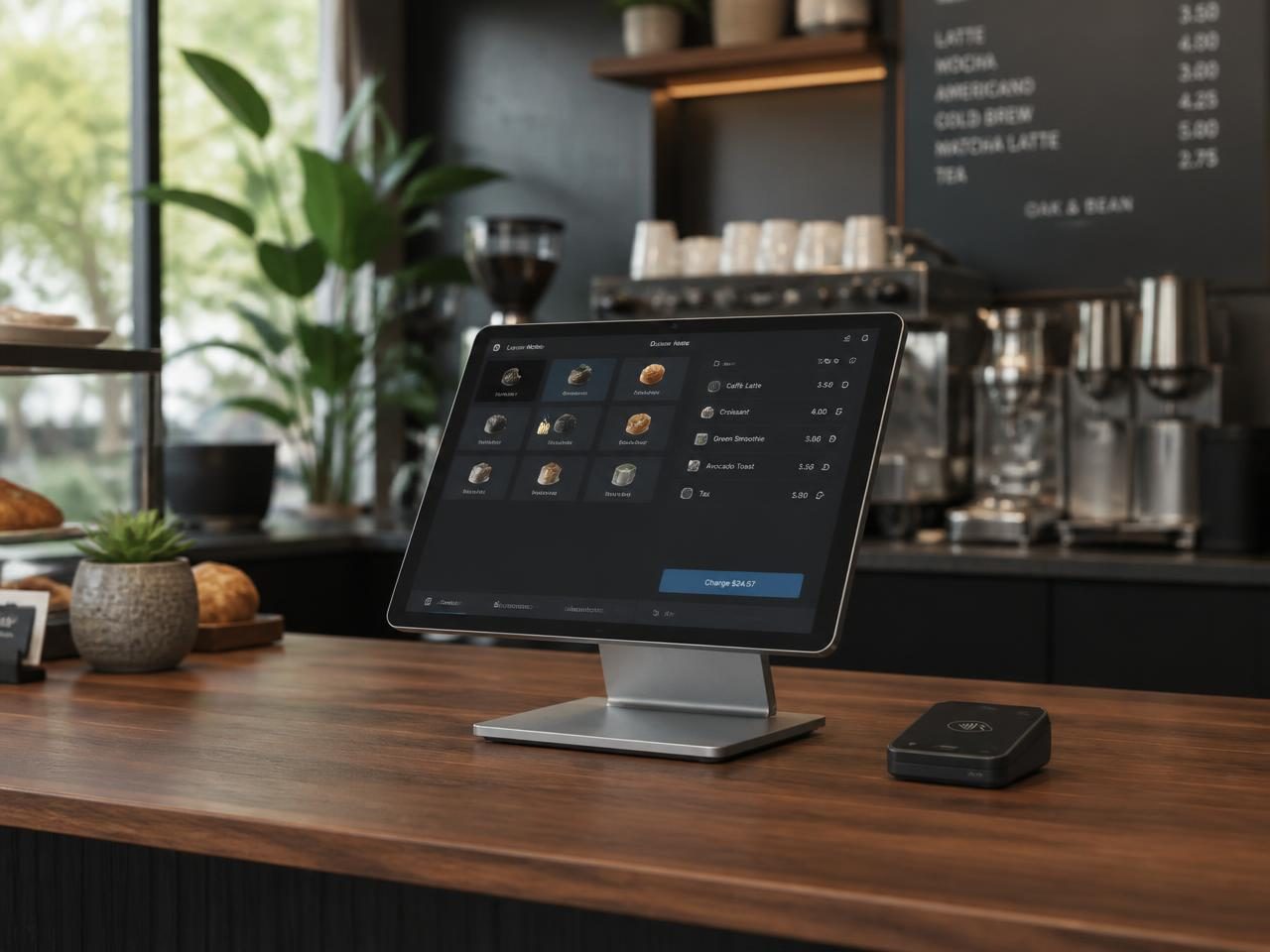
Tap your staff code, confirm the opening float, then start the first order.
Register won't unlock?Some instructions belong on the thing itself.
The door. The espresso machine. The plant room at 6am. Answers work best at arm's reach.
Skip the help page and the laminated card.
Most instructions end up buried in a help center, stranded on an intranet, or taped to a wall in Comic Sans. Tutorials.app keeps them useful without making your space look improvised.
- Easy to change — Update when needed. No reprinting.
- Made to be seen — Looks intentional, not laminated.
- Simple to own — The people who know it can maintain it.
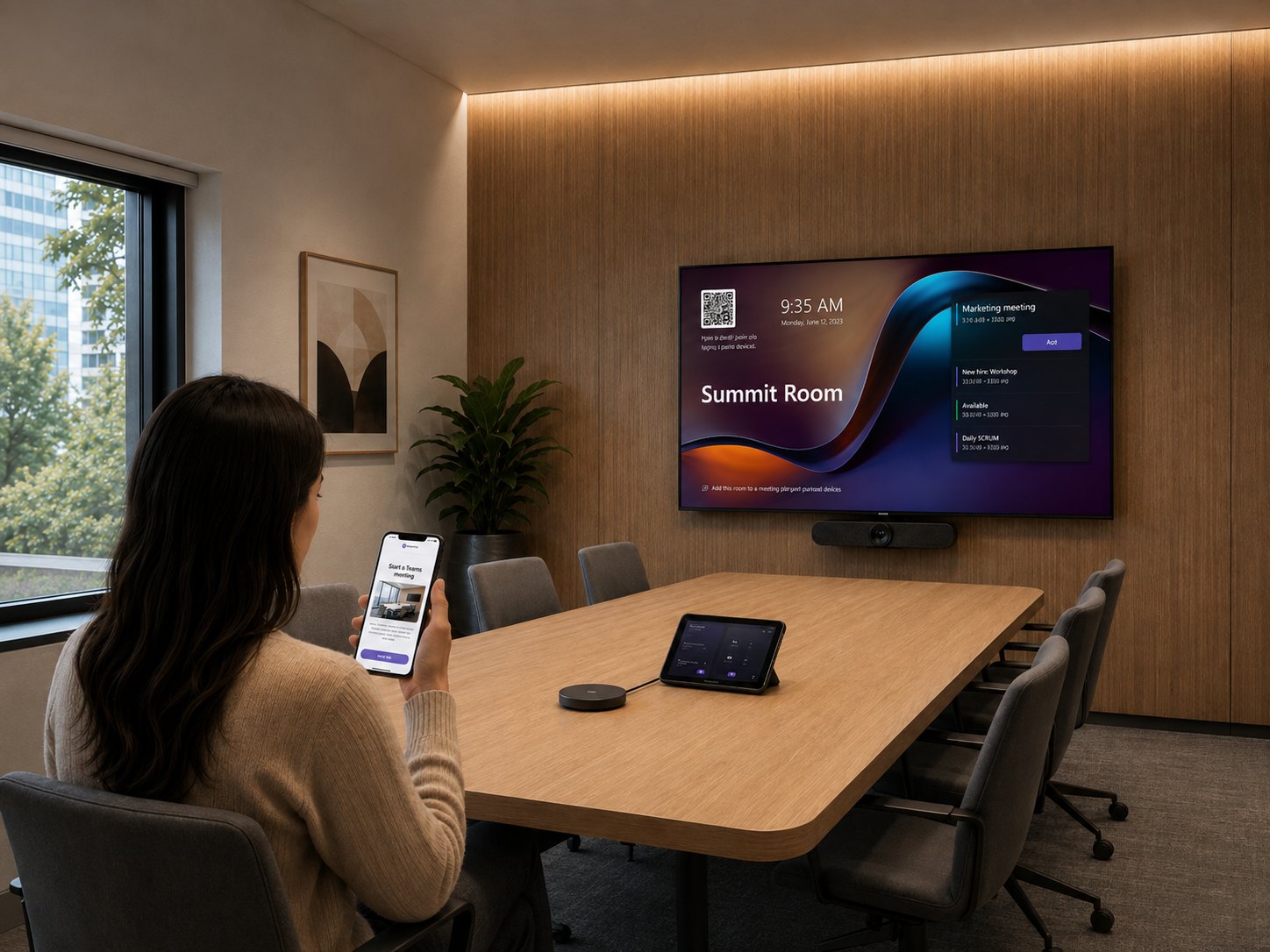
Follow the steps, or find the answer.
Sequential when the order is the whole point. Stacked when people already know what they came for.
Build it on one screen,publish it with one click.
The person who knows the product best shouldn't need a designer to explain it.Build it, shape it, preview it, and keep sharpening it — all on one screen.
 Apartment Essentials
Navigation Mode
Choose user experience flow
Card Style
Headline
Keep it under 50 characters for best mobile readability.
Description
Media
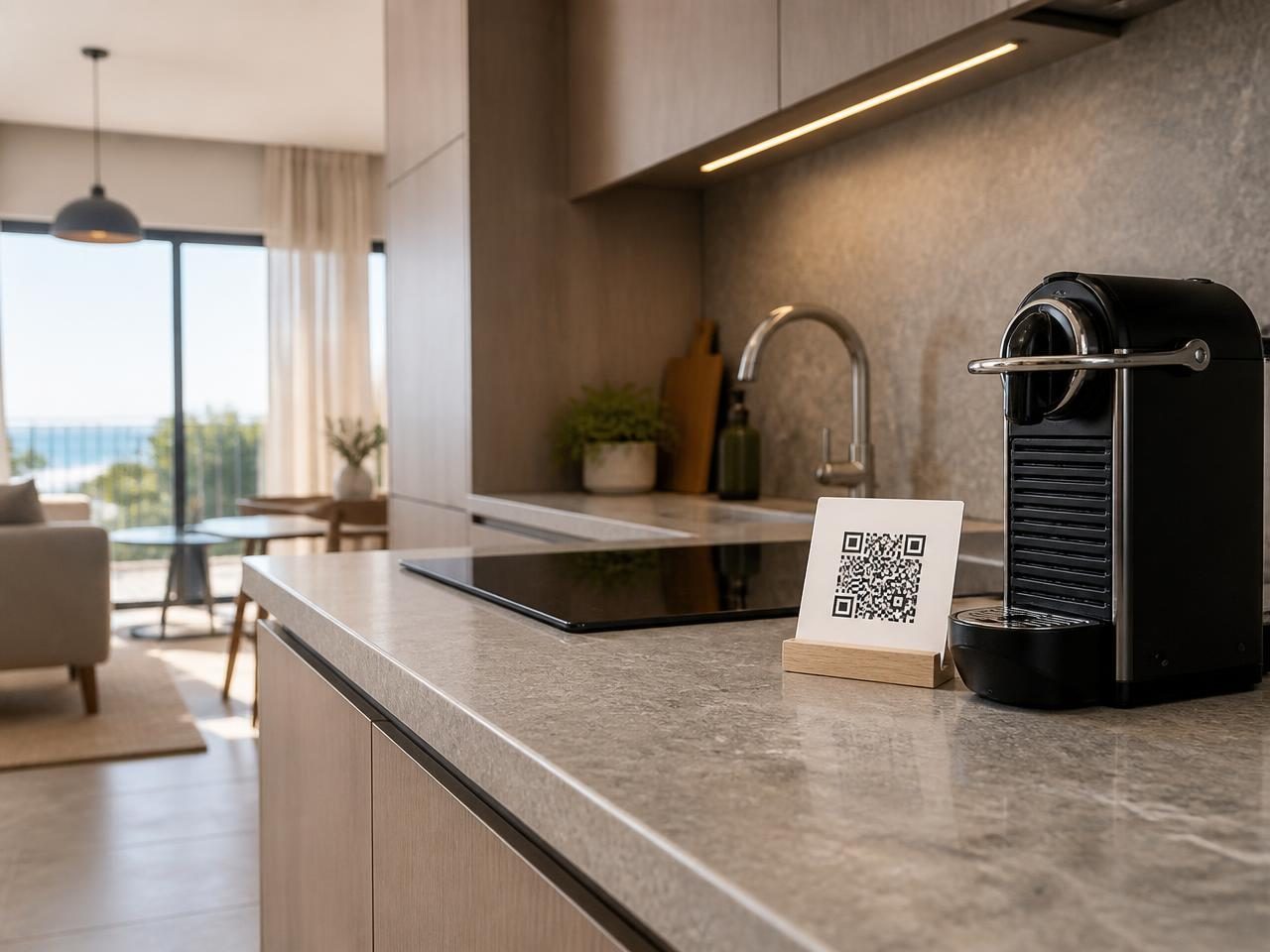

Start the espresso machine
Fill the tank to the line, press the power button and wait for both lights to hold steady.
Which beans do we stock?Asset Distribution
Optimized for physical placement.

Simple on the surface, powerful underneath.
Tutorials.app keeps the experience straightforward while giving you the tools to shape, brand, protect, and publish tutorials the way you need.
- Built for variety — Two layouts, multiple card styles, Learn more popups, and live preview.
- Ready to share — Custom branding, clean URLs, downloadable QR codes, and PIN protection.
- Safe to iterate — Draft and Publish controls so you can keep improving without touching what’s live.
Everything that matters once it's load-bearing.
Branding, access, analytics and roles — the unglamorous parts that decide whether this scales.
Start with one question.
Put answers everywhere they belong.
Build
Turn what needs explaining into a polished tutorial with clear instructions, visuals, and the right amount of detail.
Brand
Make each tutorial feel like part of your business with your logo, accent color, and a clean, polished presentation.
Publish
Publish to a clean URL under your workspace and download a print-ready QR code for the door, machine, or packaging.
Measure
See what gets scanned, what gets finished, and what gets flagged as broken, with a clear view tutorial by tutorial.
Put the answers where the questions happen.
Build one tutorial, print one code, and retire the question you answer every single week.